Overview of the App settings
The App Settings section in TenantBooks allows you to manage your account details, subscription, and notification preferences. This guide will help you understand and use each part of the Settings area effectively.
1. Accessing App Settings
-
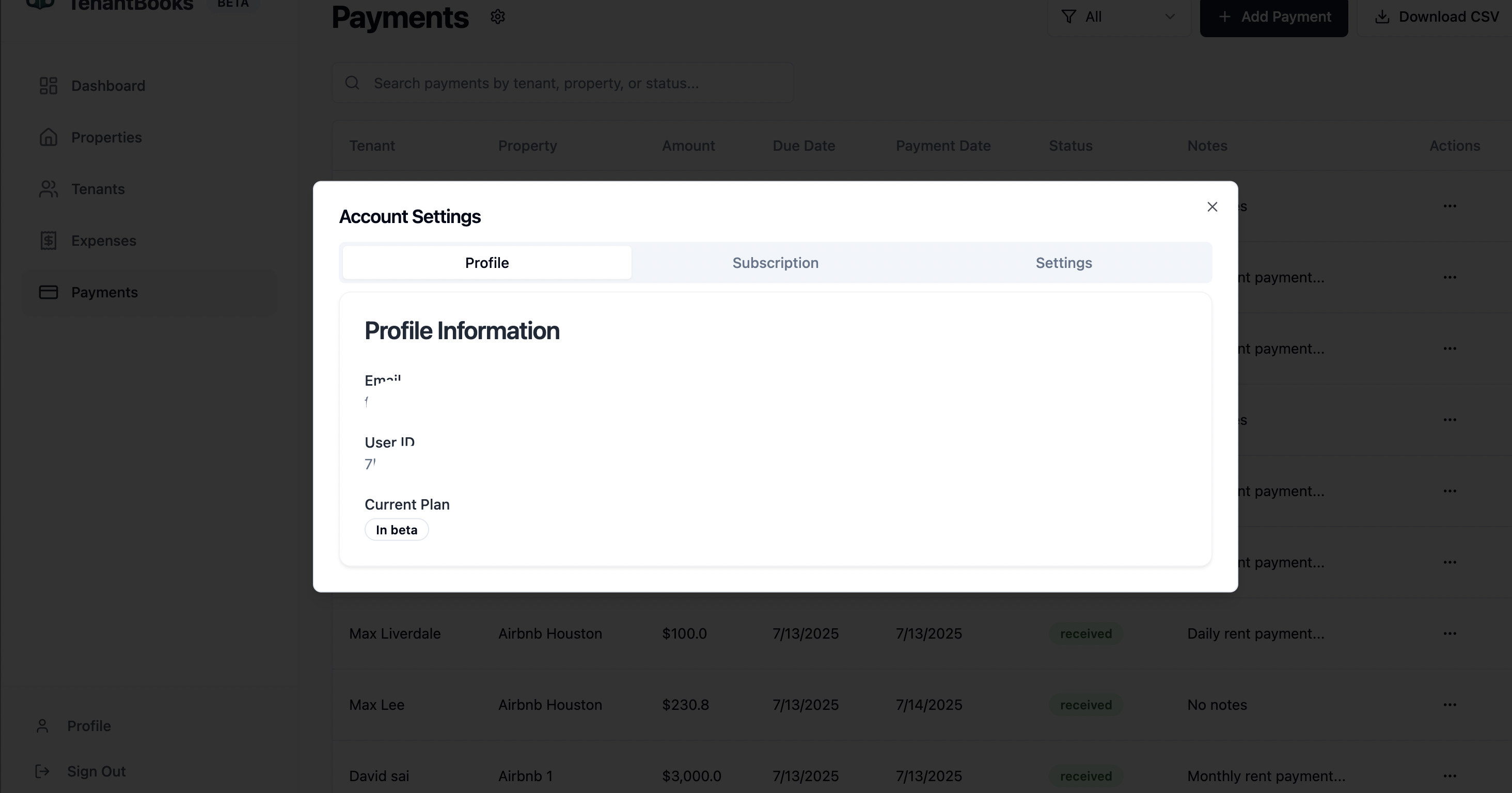
Click on your Profile or the Settings icon in the sidebar to open the Account Settings window.
-
The settings are organized into three tabs: Profile, Subscription, and Settings.
2. Profile Tab
-
Profile Information:
-
Email: Displays your registered email address.
-
User ID: Shows your unique user identifier for support or reference.
-
Current Plan: Indicates your current subscription plan (e.g., “In beta” if you’re using the beta version).
-
3. Subscription Tab
-
Subscription Details:
-
Information about your current plan and upcoming subscription options.
-
If subscription features are not yet available, this section will note that plans and pricing are “Coming Soon.”
-
4. Settings Tab
-
Notification Preferences:
-
Email Notifications: Option to receive email alerts for important events. (Marked as “Coming Soon” if not yet available.)
-
Payment Reminders: Option to enable automatic reminders for overdue payments. (Also marked as “Coming Soon” if not yet available.)
-
When available, you’ll be able to toggle these preferences directly from this tab.
-
5. Tips for Managing App Settings
-
Review your profile details regularly to ensure your contact information is up to date.
-
Monitor the Subscription tab for updates on new plans and pricing.
-
Check Notification Preferences as new features become available, so you can enable alerts and reminders to stay informed.
-
Log out securely using the Sign Out option in the sidebar when finished.